Standing Desk Converter vs. Full Standing Desk: When Each Wins (2026)
As an Amazon Associate I earn from qualifying purchases. Prices and availability are accurate as of the date/time indicated and are subject to change.
🔍 How this guide was put together (Editorial Standards)
This guide compares options using published manufacturer specifications, patterns in publicly visible owner reviews, and reputable expert sources. We do not operate a physical testing lab; see our how-we-research page for details.
EDITOR'S PICKS
Top Picks
TOP PICK

VERSADESK PowerPro 36" Electric Standing Desk Converter, Push-Button
Electric/motorized converter — smoothest sit-stand transitions, no manual lift/lock, at higher price than manual converters.
RUNNER-UP

VIVO 36" Height Adjustable Desk Converter, V-Series, Dual Monitor
Manual (gas-spring) converter designed for dual monitors — wider surface, similar functionality to VERSADESK at lower price, requires physical lift/lower motion.
BEST VALUE

VIVO 29" Single-Top Standing Desk Converter
Smaller/narrower converter — relevant if desk space is limited or you only run a laptop + single monitor setup.
📑 Table of contents
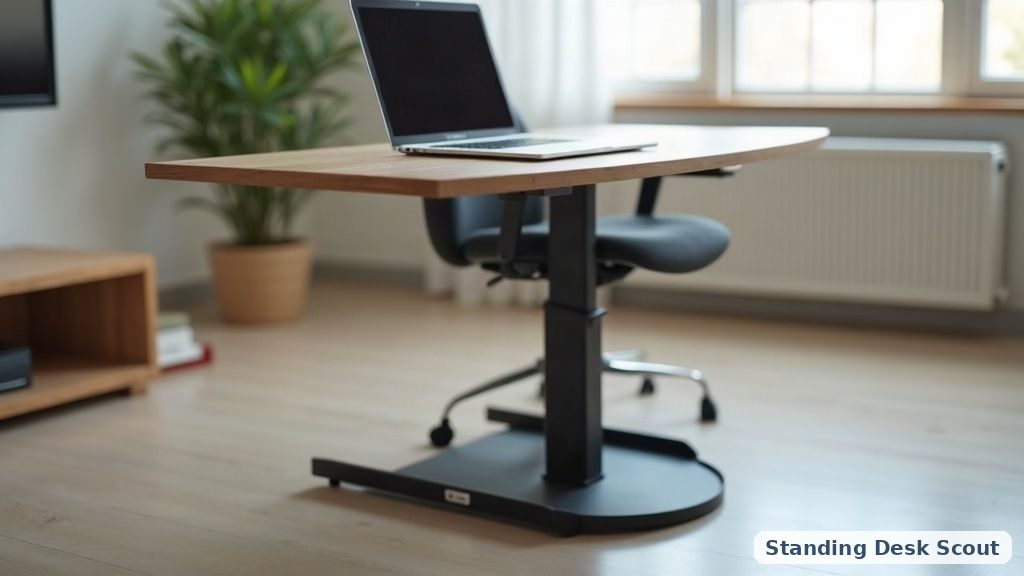
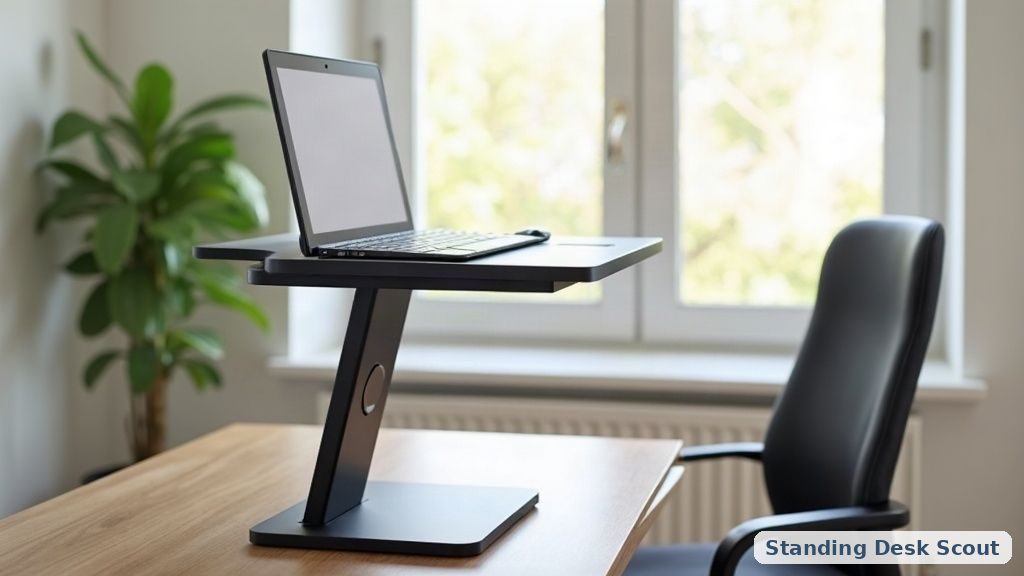
A standing desk converter sits ON your existing desk, raising your monitor/keyboard when you want to stand and lowering back down when you want to sit. A full standing desk REPLACES your existing desk with a motorized height-adjustable one. Both solve the same core problem — sit/stand flexibility — with genuinely different tradeoffs.
Why a converter is sometimes the right answer, even if you can afford a full desk
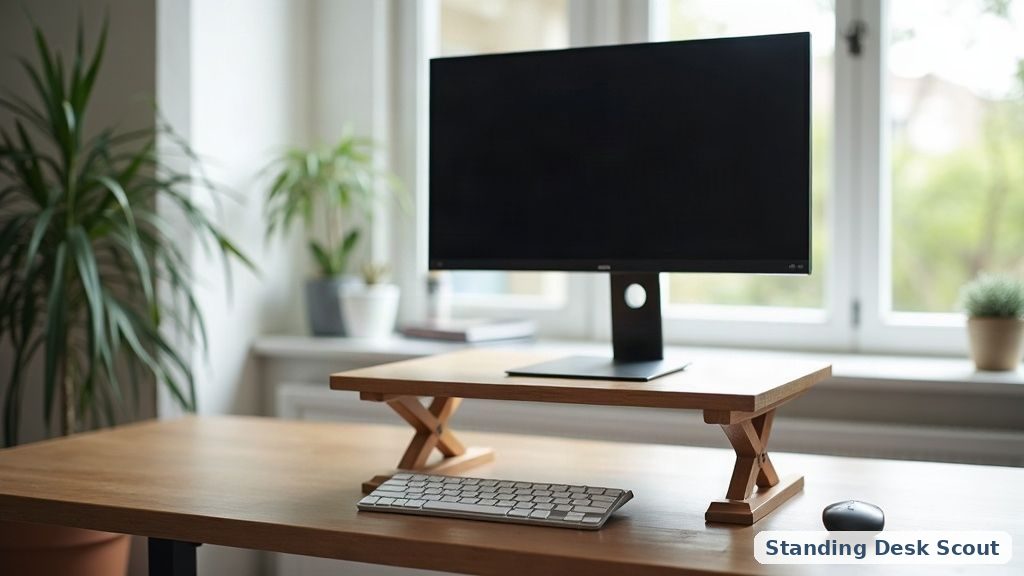
Full standing desks require you to clear off and disassemble your entire current setup during install. A converter installs in minutes on top of your existing desk without moving anything. This matters more than most first-time buyers weigh: if you have a large existing desk you already like (or a desk that’s built-in/heavy/expensive to replace), a converter preserves that investment while adding sit-stand functionality. Full desks make sense when your existing desk is either replaceable anyway or too small for your actual monitor/setup needs.
Manual (gas-spring) vs. electric converters — real usage difference
Manual converters (like the VIVO picks above) use a gas-spring or pneumatic mechanism — you release a lever and physically lift the surface up to standing height (or push down to lower). This is fine for occasional sit/stand transitions (2-3 times a day) but genuinely tiring if you change positions frequently or have a heavy monitor loadout. Electric converters (like the VERSADESK PowerPro) motorize the transition — press a button, the surface raises smoothly regardless of weight. Worth the price premium if you plan to change positions often; overkill if you only stand up for a few hours per week.
Weight capacity — the spec first-time converter buyers underweight
Converters hold their contents against gravity via the lifting mechanism, so weight capacity matters more than on a fixed desk. Loading a converter beyond its rated capacity causes: (a) manual converters become genuinely hard to lift, (b) both types can develop mechanical wear/play faster than expected, (c) electric converters can strain the motor. Add up realistic monitor weights (a typical 27” monitor is 10-15 lbs, ultrawide/dual-monitor setups can hit 30-40 lbs+) BEFORE picking a converter based purely on price/size.
Single vs. dual-monitor converter design
Dual-monitor converters (like the VIVO V-Series 36”) are wider, often with cutouts or grommets for monitor arms/cable routing. Single-monitor converters (like the VIVO 29” single-top) are narrower and cheaper, but forcing dual monitors onto a single-top converter is a real problem — either the monitors overhang unsafely or you’re limited to one large monitor. Match converter width to your actual monitor plan, not just current setup.
Comparison
| Model | Lift Type | Width | Best for |
|---|---|---|---|
| VERSADESK PowerPro | Electric | 36” | Frequent transitions, ease-of-use |
| VIVO V-Series 36” | Manual gas-spring | 36” | Dual monitors, budget |
| VIVO 29” Single-Top | Manual gas-spring | 29” | Small desks, laptop + single monitor |
📚 Related In-Depth Analysis
- Compare findings with our guide on Best Small Standing Desk.
- Compare findings with our guide on Standing Desk Weight Capacity Guide.
📚 Related In-Depth Analysis
- Compare findings with our guide on Standing Desk Cable Management.
- Compare findings with our guide on Balance Board Standing Desk.
🔧 Interactive Planning Tool
Need exact measurements for your setup? Use our Ergonomic Desk & Monitor Sizing Engine to Calculate standing and sitting desk height ranges based on your exact body stature.
Related guides
- Best electric standing desks (complete vs frame vs rolling)