Standing Desk Cable Management: Keep Wires Off the Floor (2026)
As an Amazon Associate I earn from qualifying purchases. Prices and availability are accurate as of the date/time indicated and are subject to change.
🔍 How this guide was put together (Editorial Standards)
This guide compares options using published manufacturer specifications, patterns in publicly visible owner reviews, and reputable expert sources. We do not operate a physical testing lab; see our how-we-research page for details.
EDITOR'S PICKS
Top Picks


📑 Table of contents
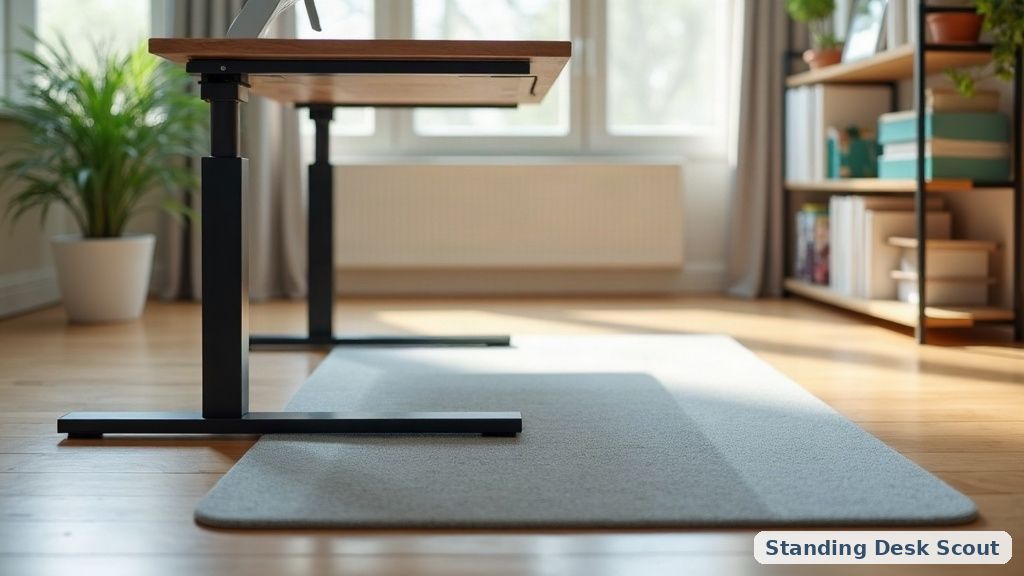
One of the first things people notice with a new standing desk is that every time it moves, so does the tangle of cables under it — dragging across the floor, catching on the chair, sometimes yanking a monitor cord half-out. The desk’s motion is what makes cable management harder here than on a fixed desk. The good news: there’s a repeatable layout that works, and none of it is expensive.
The problem, specifically
A standing desk changes height by roughly 20 inches between low and high. That means any cable that runs from the desktop to the wall needs enough slack to stretch, coiled somewhere so it doesn’t drag when compressed, and secured so the motion isn’t fighting the cable each time. Bad management shows up as:
- Cables looped in tangles on the floor (dust magnets, tripping hazards).
- Slack pulled tight at the highest position, so the desk fights you or won’t go all the way.
- A monitor going dark mid-adjust because a strained plug pulled loose.
- The whole desk shifting a few centimeters over months as cables tug on it.
The layout that solves it
Think of it as three zones, each doing a different job:
| Zone | Job | What to put there |
|---|---|---|
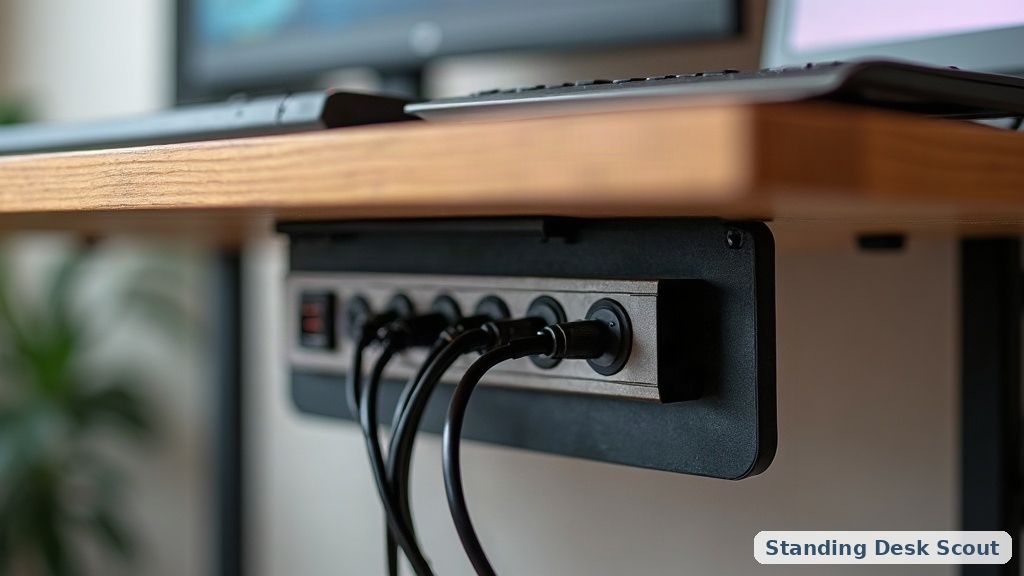
| Under the desktop (mobile zone) | Holds cables that must travel with the desk | A cable tray + power strip mounted under the desk |
| Vertical run (transition) | Carries cables from desk down to wall | A cable spine / spiral wrap that flexes as the desk moves |
| At the wall (fixed zone) | Stationary cables that never move | Wall outlets, main power strip if not on the desk |
The trick is putting as much on the desk as possible — power strip, USB hub, laptop brick, dongle mess — so only a few cables need to make the vertical trip to the wall.
The five pieces of gear
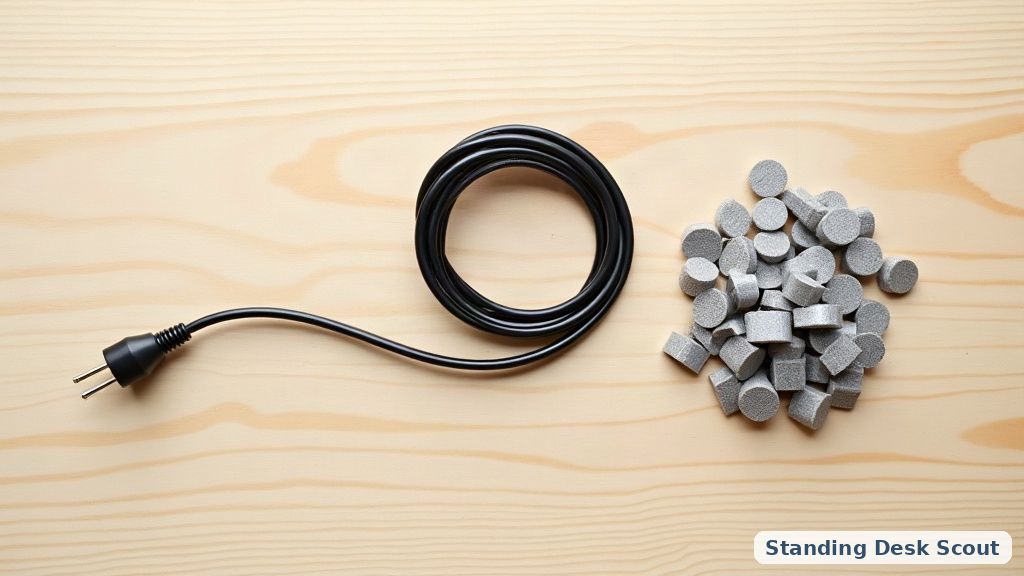
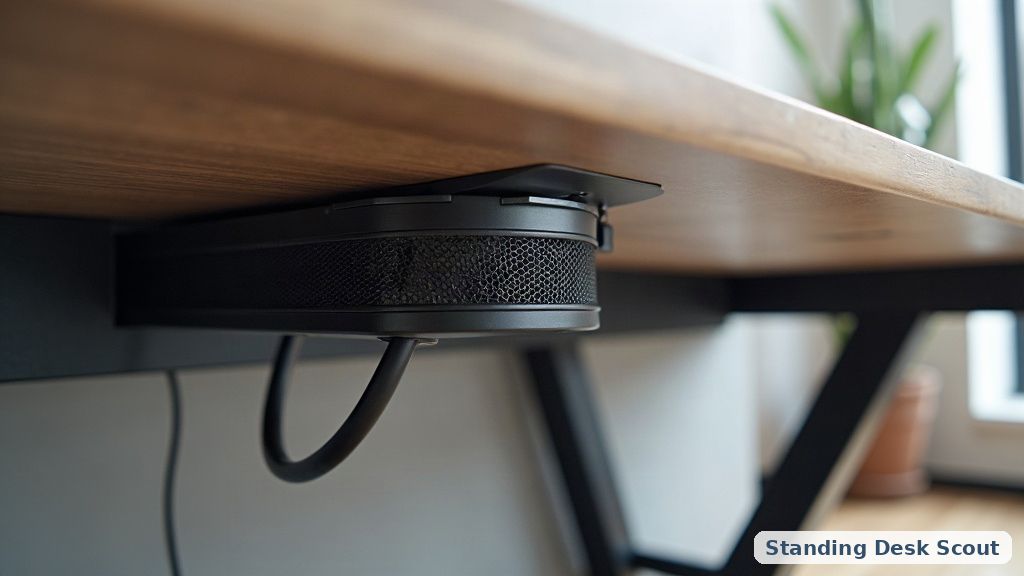
- Under-desk cable tray (mesh or J-channel) that screws to the desk underside. Holds the power strip and gathers cables so they lift with the desk.
- A power strip mounted under the desk (adhesive or screwed). One AC cord runs from this strip down to the wall — everything else plugs up into the strip.
- Cable spine / spiral wrap for the vertical run. A spine flexes and hides the cables; spiral wrap bundles them into one snake that behaves.
- Adhesive cable clips on the underside of the desk to route cables away from the moving legs and any pinch points.
- Extra length on the vertical cord. Measure from lowest desk position to the wall outlet and add 60% for slack when raised. Coil the excess in a loose loop, not a tight one.
For the parts of the desk itself that affect this, see our full electric standing desk guide and the accessories overview.
Do I need a keyboard tray for cable management?
No — separate problem. A keyboard tray is about wrist position (see our height guide); cable management is about routing. But if you have a monitor arm plus a laptop plus speakers, a keyboard tray gives you an extra surface to tuck cables behind, which is a mild bonus.
What about wireless everything?
Wireless keyboards, mice, headphones, and phone chargers cut cable count. But your monitors still need power and video, your laptop still needs charging (usually), and any dock still needs its own uplink. Wireless helps the surface look clean but doesn’t remove the vertical run. Do the vertical run right first, wireless second.
Should I put the power strip on the desk or on the floor?
On the desk. If it lives on the floor, every device you plug in has to have a cable long enough to reach the floor with room for full extension — that’s a lot of dangling. Put the strip under the desk and only one cable makes the trip.
📚 Related In-Depth Analysis
- Compare findings with our guide on Dual Motor Vs Single Motor Standing Desk.
- Compare findings with our guide on Standing Desk Height Guide.
📚 Related In-Depth Analysis
- Compare findings with our guide on Standing Desk Height Guide.
- Compare findings with our guide on Standing Desk Accessories Guide.
🔧 Interactive Planning Tool
Need exact measurements for your setup? Use our Ergonomic Desk & Monitor Sizing Engine to Calculate standing and sitting desk height ranges based on your exact body stature.
The bottom line
Standing-desk cable management is about containing motion, not just hiding wires: mount a tray + power strip on the desk so most cables travel with it, run a flexible spine or wrap for the vertical trip, and give it 60% extra slack coiled loosely. Two hours and under $50 in gear removes a daily annoyance. Do it once when the desk is new, before you’ve already plugged in everything the messy way — it’s ten times easier the first time.