Balance Board With a Standing Desk: Worth It or Gimmick? (2026)
As an Amazon Associate I earn from qualifying purchases. Prices and availability are accurate as of the date/time indicated and are subject to change.
🔍 How this guide was put together (Editorial Standards)
This guide compares options using published manufacturer specifications, patterns in publicly visible owner reviews, and reputable expert sources. We do not operate a physical testing lab; see our how-we-research page for details.
EDITOR'S PICKS
Top Picks


A balance board under your feet at a standing desk is one of those “productivity gadget” upgrades that sits in the middle of a real ergonomic case and pure gimmick. Used right, it turns 20 static minutes at your desk into 20 slightly-moving minutes — small but real benefit. Used wrong, it distracts you all morning and leaves your ankles sore. Here’s what a balance board actually changes, who benefits, and how to add one without hurting yourself.
What a balance board changes
The value isn’t in “burning more calories” (the delta is small) — it’s in breaking static posture. Standing perfectly still for hours is nearly as bad as sitting for hours; the win is micro-movement. A balance board forces constant small shifts of weight — your ankles, calves, and core engage without you thinking about it.
| What changes | Real magnitude |
|---|---|
| Calorie burn vs plain standing | Small: perhaps 5–10% more |
| Ankle/calf engagement | Meaningful — noticeable soreness first week |
| Core engagement | Small to moderate |
| Blood circulation in legs | Meaningful — micro-movement helps |
| Focus/distraction (first week) | WORSE — you can't type well while learning |
| Focus after adaptation | Neutral to slightly better |
The under-appreciated cost: the first week is bad for productivity. Your brain allocates attention to balance — typing accuracy drops, meetings feel awkward. Give it a week to become subconscious.
Which type of balance board suits a desk?
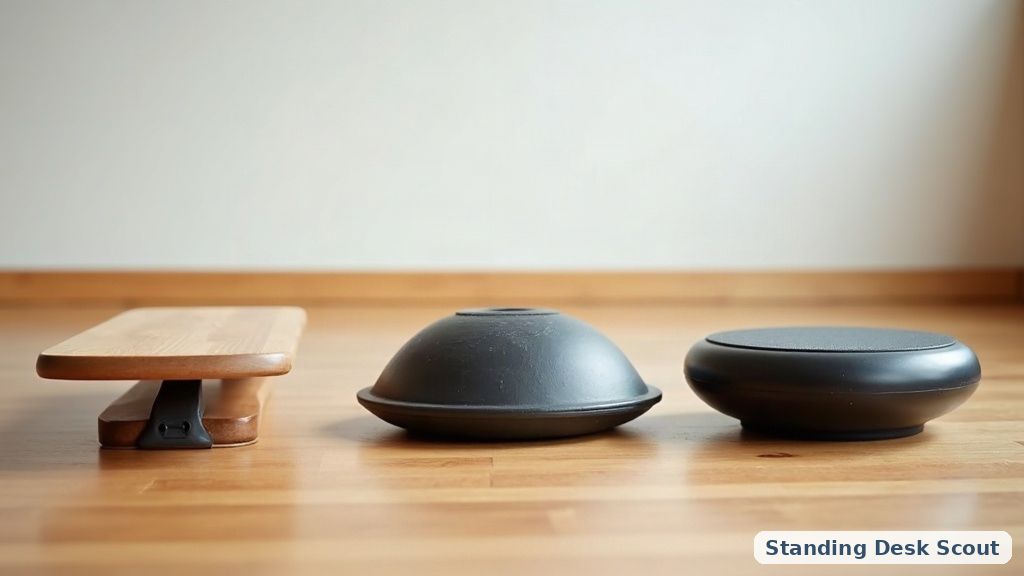
Not all balance boards are equal, and the sportier ones are dangerous under a desk:
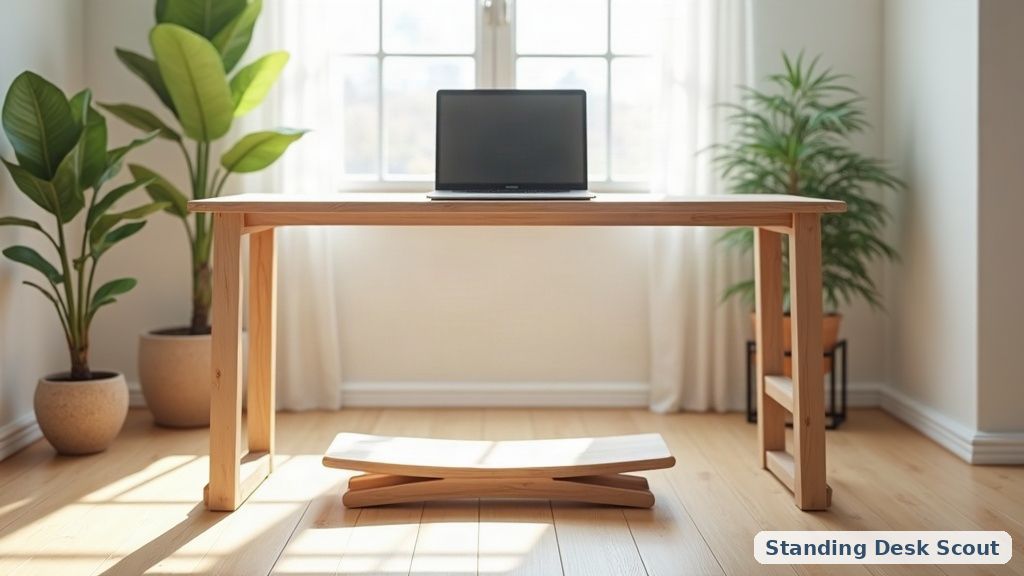
- Rocker board (curved bottom, flat top) — gentle side-to-side rock. Safest, best for desks. Good starter.
- Wobble board (round base, tips in all directions) — moderate difficulty; more engagement, more distraction.
- Balance disc / cushion — soft inflatable disc. Similar effect to a rocker, easier on ankles, but slides on carpet.
- Roller board (deck on a cylinder — skater-style) — avoid at a desk. High fall-off risk; injury waiting to happen while your hands are on a keyboard.
For a first board at a desk, a rocker or an inflatable disc is the safe pick. Save the wobble/roller for actual training sessions somewhere you can step off safely.
How stable does the desk itself need to be?
More stable, not less. A wobble under your feet + a wobble in the desk = a compound wobble that’s uncomfortable and mistype-prone. A dual-motor frame and a wide, heavy base help. Our desk cable management guide also matters — cables snagging while you shift your weight is a small hazard, and a weight-capacity-appropriate frame won’t flex under the added dynamic load.
How long should you actually stand on one?
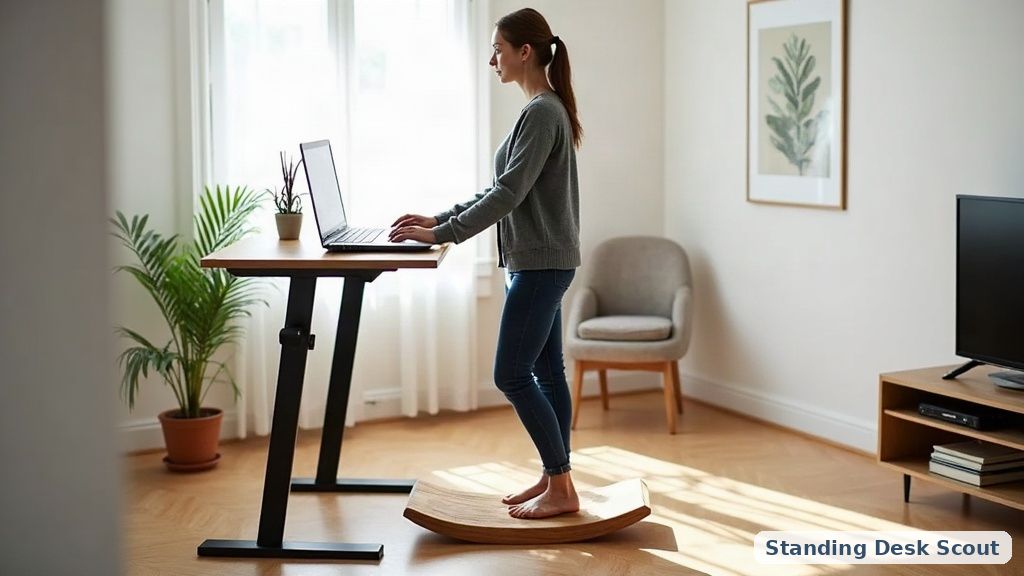
Treat it like exercise, not equipment:
- Week 1: 5–10 minutes at a time, a few times a day. Ankles will be sore. That’s OK.
- Week 2–3: build to 15–20 minutes per stint.
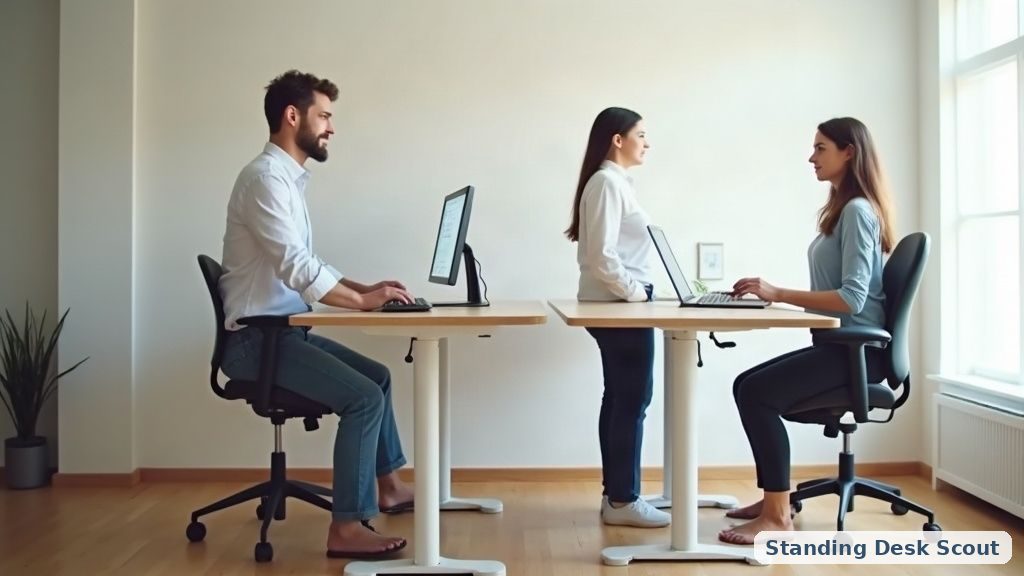
- After adaptation: use it in intervals — 20 min on, 20 min sitting or standing flat, 20 min back on the board. All-day on a board is overkill and fatiguing.
This isn’t a permanent state — it’s one leg of the sit-stand rhythm covered in our transition to a standing desk guide and how long should you stand.
Who probably shouldn’t use one
- Anyone with ankle, knee, or lower-back injuries — talk to a professional before adding an unstable surface to your workday.
- Anyone who has fallen recently or has balance issues — the fall-off from even a gentle rocker onto a hard floor isn’t trivial.
- Users of standing desks placed near sharp corners — arrange the space so a slip meets soft ground, not a monitor.
None of this is medical advice; it’s just common sense about combining an unstable surface with a workday spent staring at a screen.
What a balance board doesn’t replace
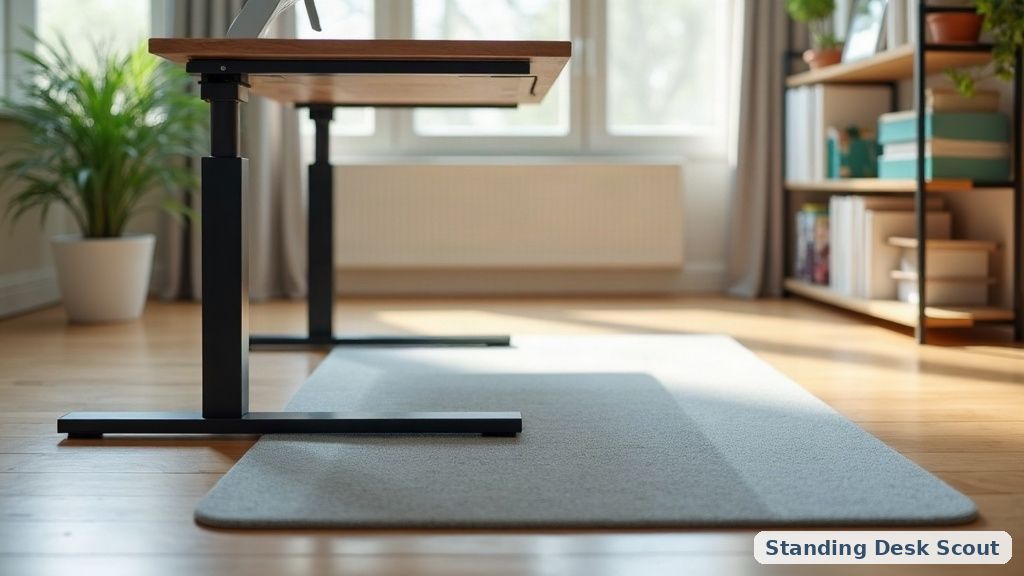
- A proper anti-fatigue mat for regular standing periods. Different tool: the mat cushions still-standing; the board adds movement to standing. Some ergo setups use both, side by side, so you can step off the board onto a mat.
- Actual movement breaks — a 5-minute walk every hour beats 8 hours on a balance board. See our desk stretches for the in-place version.
- A desk that adjusts smoothly — the value of standing-desk work is in switching positions, not standing forever on a wobble.
📚 Related In-Depth Analysis
- Compare findings with our guide on Standing Desk Accessories Guide.
- Compare findings with our guide on Under Desk Cable Management Tray.
📚 Related In-Depth Analysis
- Compare findings with our guide on Standing Desk Accessories Guide.
- Compare findings with our guide on Dual Motor Vs Single Motor Standing Desk.
🔧 Interactive Planning Tool
Need exact measurements for your setup? Use our Ergonomic Desk & Monitor Sizing Engine to Calculate standing and sitting desk height ranges based on your exact body stature.
The bottom line
A balance board at a standing desk is a small, real ergonomic win when used right: break static standing, engage lower legs and core, improve circulation. Choose a rocker or inflatable disc (skip roller/wobble for desk work), use it in 20-minute intervals, give yourself a week to adapt, and add it to a stable dual-motor desk with an anti-fatigue mat nearby — not a shaky desk on a slick floor. Not a productivity miracle, not a gimmick either — a low-cost movement layer for people who already stand while they work.