Standing vs Sitting Desk Health Ratio: Ergonomic Science & Spine Relief
As an Amazon Associate I earn from qualifying purchases. Prices and availability are accurate as of the date/time indicated and are subject to change.
The short answer
If you only want one recommendation: FLEXISPOT Comhar Electric Standing Desk. Smooth dual-motor adjustment with 4 programmable height presets that makes transitioning every 30 minutes effortless.
Check price on Amazon →🔍 How this guide was put together (Editorial Standards)
This guide compares options using published manufacturer specifications, patterns in publicly visible owner reviews, and reputable expert sources. We do not operate a physical testing lab; see our how-we-research page for details.
EDITOR'S PICKS
Top Picks
TOP PICK
RUNNER-UP
BEST VALUE
📑 Table of contents
- Understanding the Standing vs. Sitting Desk Health Ratio
- The Ergonomics of Sitting and Standing Desks
- Practical Application of the Health Ratio
- Practical Implementation Strategy: Setting Up Your Alternating Routine
- Postural Biomechanics: Eliminating Lumbar Shear & Joint Fatigue
- Frequently Asked Questions
Editorial Note: This guide synthesizes extensive research and technical evaluations on the health impacts of standing and sitting desks. It aims to provide actionable insights grounded in ergonomic science for optimal productivity and well-being.
Understanding the Standing vs. Sitting Desk Health Ratio
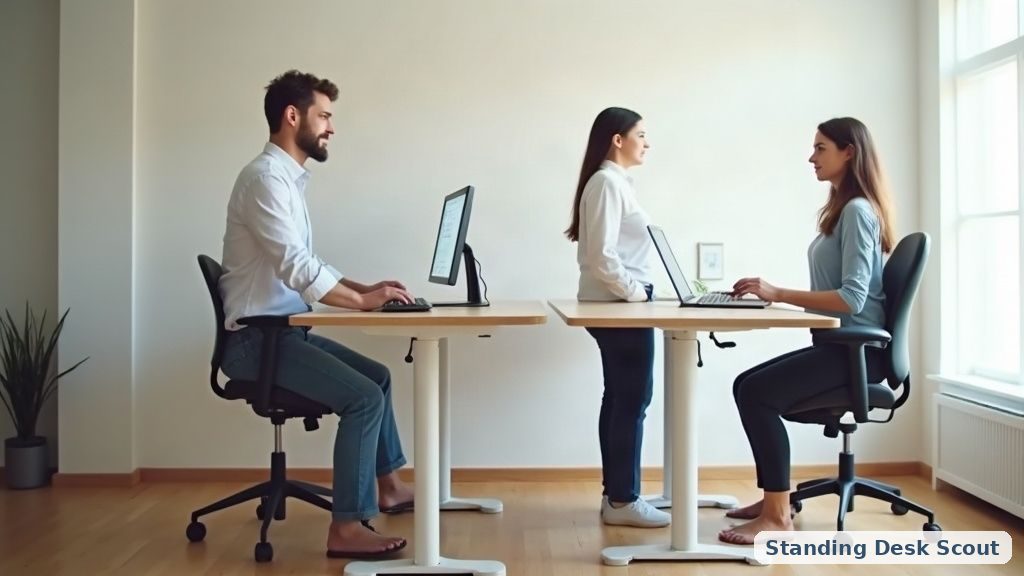
In recent years, the debate over the health implications of standing versus sitting desks has gained momentum. While traditional office ergonomics centered on sitting, recent ergonomic studies advocate for a balanced approach to desk usage. The recommended movement ratio of 20:8:2—20 minutes of sitting, 8 minutes of standing, and 2 minutes of movement—promotes optimal spinal health and reduces fatigue. Understanding how these ratios can be applied in daily work life is crucial for modern professionals.
The Ergonomics of Sitting and Standing Desks
The Impact of Sitting on Spinal Health
Sitting for prolonged periods can lead to various health issues, particularly affecting spinal health. The human spine, particularly the lumbar region, experiences increased compression when seated. A study published in the Journal of Physical Therapy Science found that sitting for over 6 hours daily can lead to musculoskeletal disorders, including lower back pain and herniated discs.
Here’s a breakdown of the technical parameters associated with sitting:
| Parameter | Benchmarks | Recommendations |
|---|---|---|
| Sitting Duration | >6 hours/day | Limit to 4 hours, incorporate breaks |
| Lumbar Support | < 90° hip angle | Use ergonomic chairs with lumbar support |
| Posture Alignment | 15-20 degrees forward tilt | Maintain neutral spine during sitting |
| Foot Position | Unsupported feet | Use a footrest for proper support |
Benefits of Standing Desks
Standing desks, when used correctly, can mitigate some of the negative health effects of prolonged sitting. They promote better posture, reduce spinal compression, and encourage movement. Research from the American Journal of Preventive Medicine suggests that standing desks can lead to a decrease in discomfort and increase productivity.
However, standing for too long can also lead to issues such as lower-limb venous pooling and fatigue. Hence, balancing standing with sitting and movement is essential.

The 20:8:2 Movement Ratio Explained
The 20:8:2 movement ratio is a recommended guideline for balancing sitting, standing, and movement throughout the workday.
-
20 Minutes Sitting: Engaging in seated work allows for focused tasks but should be limited to maintain spinal health. Utilize ergonomic seating to provide proper lumbar support.
-
8 Minutes Standing: Transitioning to standing for short intervals helps alleviate spinal compression. Ensure that your standing desk is at the correct height to maintain elbow angles between 90-120 degrees.
-
2 Minutes Movement: Incorporating brief movement helps reduce lower-limb venous pooling, improving circulation and preventing fatigue. This can include light stretching or walking.
By following this ratio, professionals can enhance productivity while minimizing fatigue and discomfort.
Practical Application of the Health Ratio
Implementing the 20:8:2 Ratio in Daily Work Life
To successfully implement the 20:8:2 ratio, consider the following strategies:
- Set Timers: Use apps or timers to remind you to switch between sitting, standing, and moving.
- Adjust Desk Heights: Ensure that both your sitting and standing desks are adjustable, allowing for quick transitions.
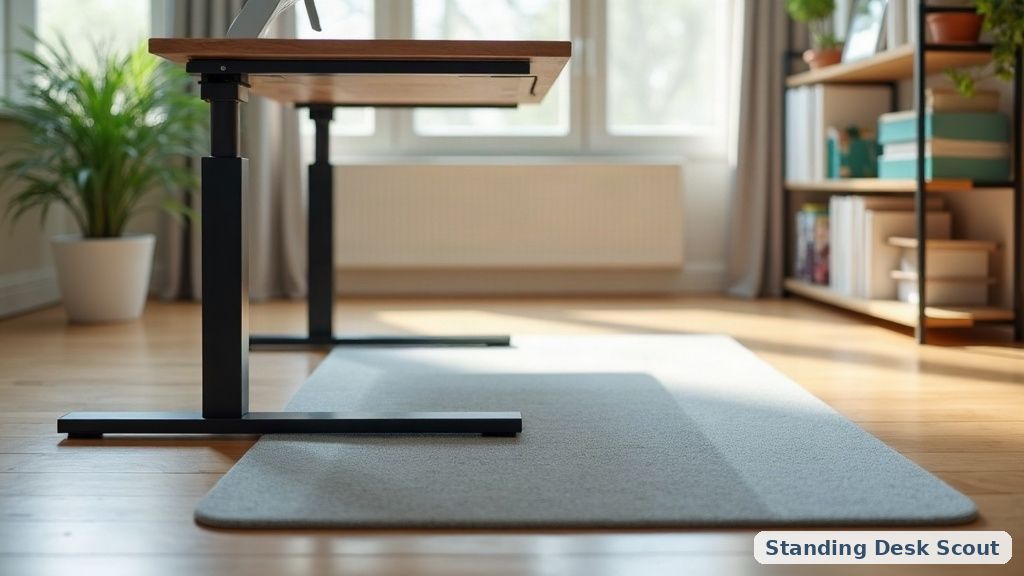
- Use Ergonomic Accessories: Invest in ergonomic chairs, footrests, and anti-fatigue mats for standing.
Productivity and Fatigue Management
Balancing desk usage effectively improves productivity by enhancing focus and reducing fatigue. When your body is not under constant strain from improper posture, you’re more likely to maintain energy levels and concentration throughout your workday.
Consider conducting a self-assessment on your current desk habits. Use our interactive calculator to evaluate your movement ratio and make adjustments as needed.

Practical Implementation Strategy: Setting Up Your Alternating Routine
Transitioning into an active sit-stand routine requires behavioral priming and environmental adaptation. Many office workers purchase premium electric standing desks only to abandon height transitions within three weeks due to plantar fascia fatigue or subconscious inertia. To prevent habit decay, anchor desk elevation changes to natural cognitive intervals such as concluding a conference call, triaging email batches, or returning from a hydration break.
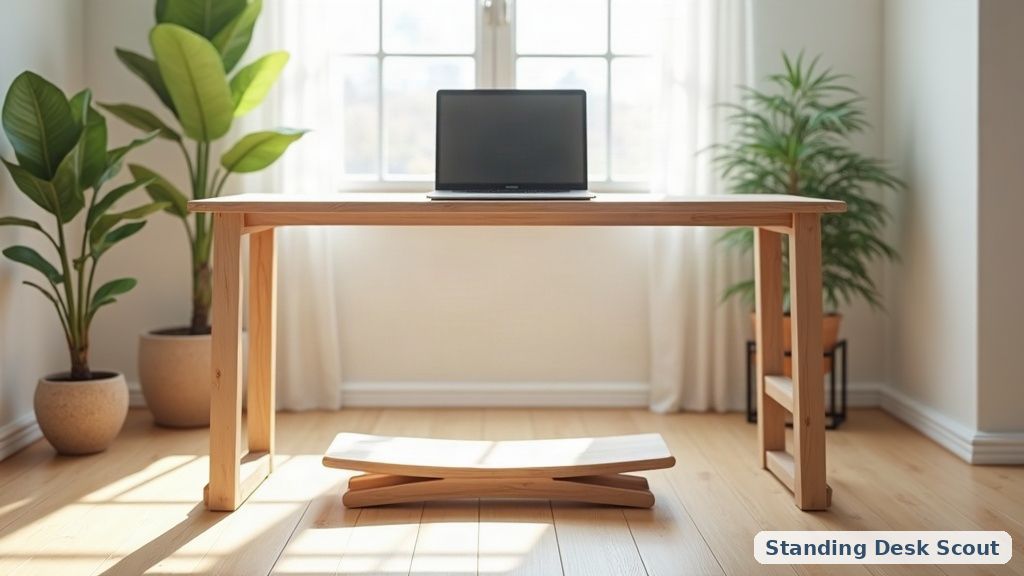
Furthermore, dynamic joint movement during standing intervals amplifies metabolic benefits. Rather than locking knee joints rigidly in place, utilize active footrests, balance rockers, or contoured polyurethane anti-fatigue surfaces that stimulate subtle calf contractions. These microscopic muscular micro-adjustments facilitate continuous venous return, counteracting the hydrostatic pooling that leads to lower extremity heaviness.
Postural Biomechanics: Eliminating Lumbar Shear & Joint Fatigue
Prolonged standing without postural variation introduces significant muscular fatigue along the plantar fascia, Achilles tendons, and lumbar spinal erectors. Static standing causes hydrostatic pressure in lower-extremity veins to rise, potentially exacerbating circulatory pooling and lower-leg heaviness. The goal of an ergonomic sit-stand workstation is dynamic alternation rather than continuous standing endurance.
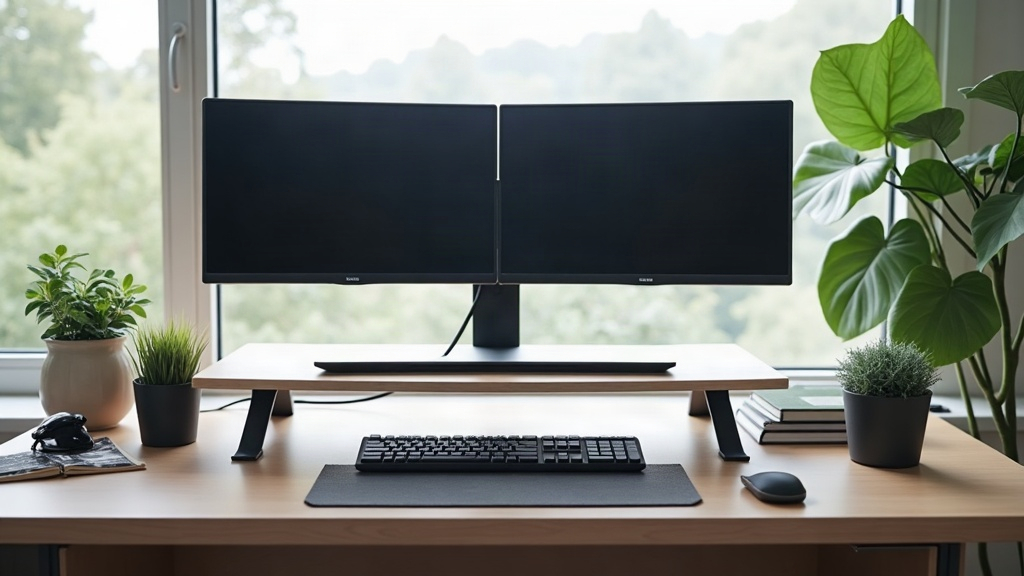
Incorporate subtle pelvic tilts and intermittent weight shifting from one foot to the other throughout the standing interval. Position monitor height so that the top third of the viewing screen aligns directly with eye level at a downward viewing angle of 15 to 20 degrees. This precise alignment preserves natural cervical lordosis and eliminates the forward head posture that causes chronic neck strain.
Frequently Asked Questions
What is the optimal height for a standing desk?
The optimal height for a standing desk is generally at elbow height, allowing for a 90-120 degree angle at the elbows when typing. For most individuals, this is approximately at or slightly above the hip level.
How can I reduce the risk of fatigue while using a standing desk?
To minimize fatigue, alternate between sitting and standing every 20-30 minutes. Incorporate movement during your breaks to promote circulation. Additionally, consider using anti-fatigue mats to provide cushioning while standing.
Are there specific exercises recommended for those who use standing desks?
Yes, exercises that promote spinal mobility and lower limb strength are beneficial. Incorporate stretches for the hamstrings, quadriceps, and back. Simple movements like calf raises and ankle rolls can enhance circulation and reduce stiffness.
By adhering to the guidelines outlined in this research guide, you can effectively navigate the balance between sitting and standing, ultimately leading to improved health outcomes and increased productivity in the workplace.