Best Electric Standing Desks (2026): Complete Desk vs Frame vs Rolling
As an Amazon Associate I earn from qualifying purchases. Prices and availability are accurate as of the date/time indicated and are subject to change.
The short answer
If you only want one recommendation: Monomi 63"x28" Electric Standing Desk (complete). For most first-time standing desk buyers, a complete desk is the correct pick: no separate top to source, arrives ready to assemble, price is competitive with buying frame + top separately. Buy the Fromann frame-only if you already have a desktop you like; buy the Hadulcet rolling desk if you specifically need portability.
Check price on Amazon →🔍 How this guide was put together (Editorial Standards)
This guide compares options using published manufacturer specifications, patterns in publicly visible owner reviews, and reputable expert sources. We do not operate a physical testing lab; see our how-we-research page for details.
EDITOR'S PICKS
Top Picks
TOP PICK
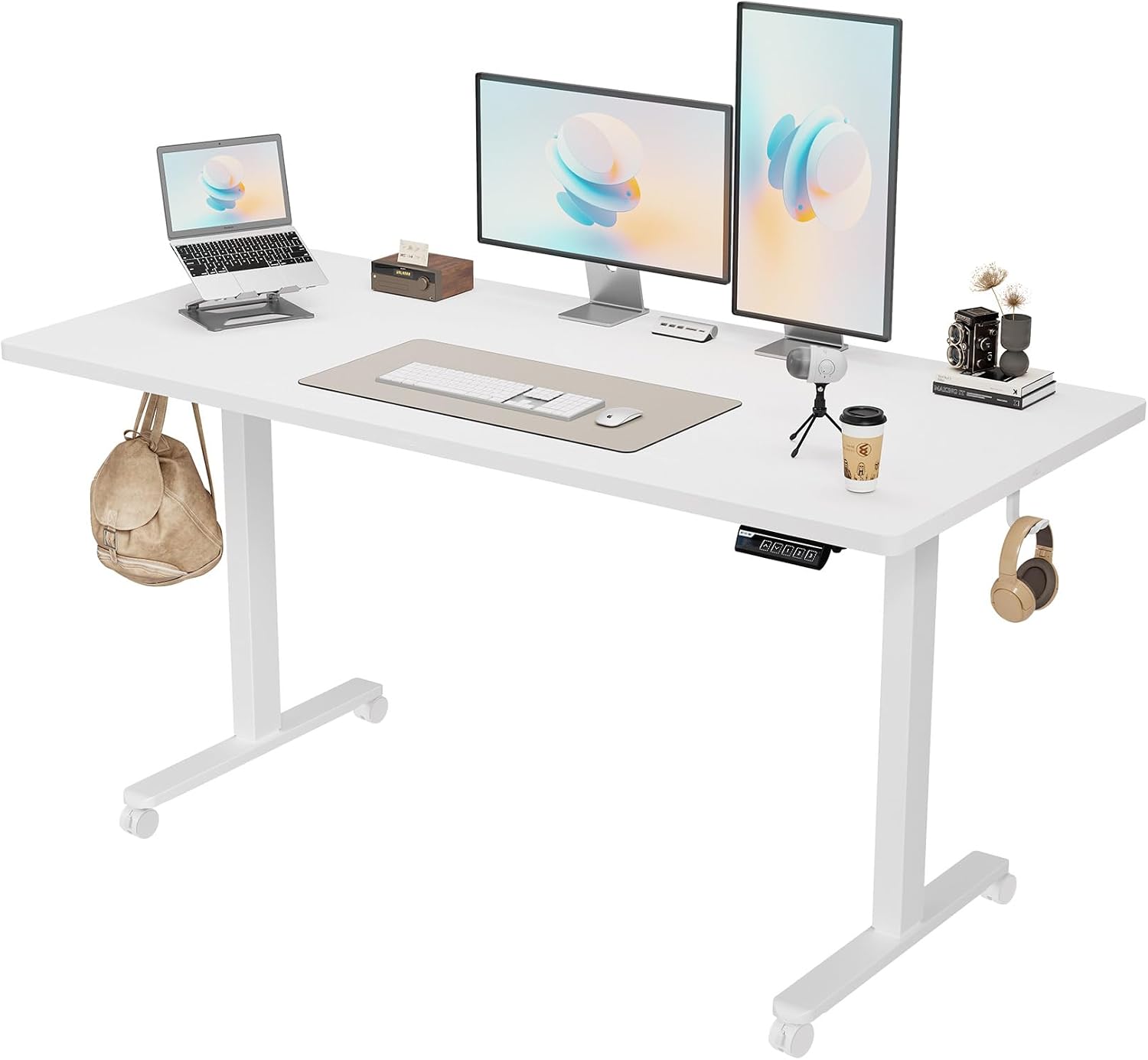
Monomi 63"x28" Electric Standing Desk, Height-Adjustable
Best all-in-one — top + frame together, simplest setup, most cost-effective for most buyers.
RUNNER-UP

Fromann Dual-Motor Standing Desk FRAME (Frame Only)
Best frame-only pick — dual motor for higher weight capacity, bring your own top (existing desk, butcher block, custom size).
BEST VALUE

Hadulcet Rolling Standing Desk with Wheels & Charging Station
Best rolling/portable — different product category, not a comparison to fixed desks. Buy for mobility, not to save money vs fixed.
📑 Table of contents
- Complete desk vs. frame-only vs. rolling — the actual category difference
- Dual-motor vs. single-motor — real usage difference
- Top material — the specification most first-time buyers underweight
- Who should buy which — decision framework
- Memory presets — the feature that changes daily behavior
- Common first-year mistakes with electric standing desks
- Comparison
- Related guides
“Electric standing desk” covers three genuinely different products that get lumped into one category. Picking the right category matters more than picking the specific brand within the wrong category. Below, what each type actually is and who each is for.
Complete desk vs. frame-only vs. rolling — the actual category difference

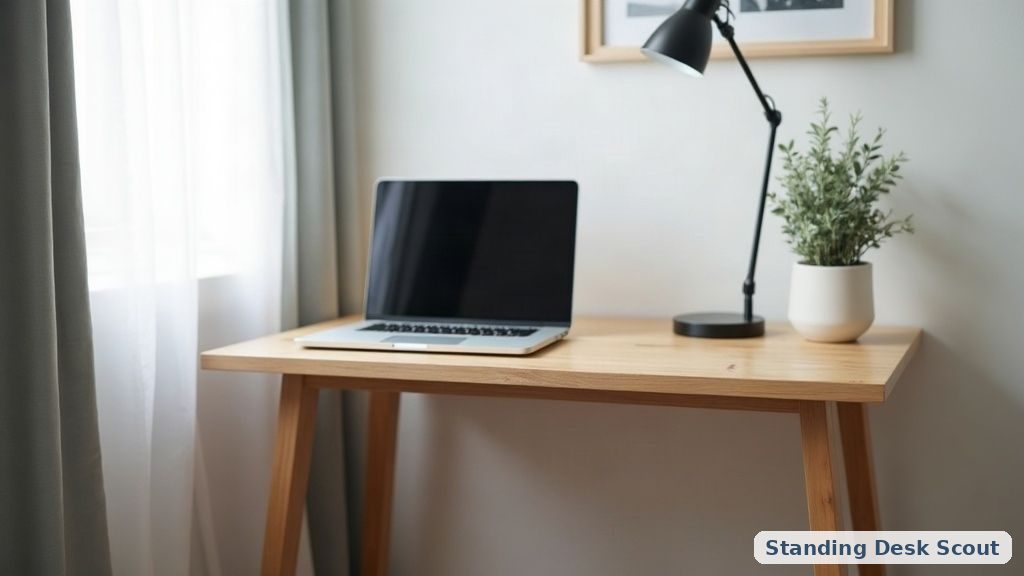
Complete standing desk (Monomi 63”x28”): arrives as a matched top + frame set, one purchase, one assembly. Top is typically MDF, laminate, or engineered wood. Sizes are fixed to what the manufacturer offers.
Frame-only (Fromann): arrives as just the height-adjustable base (legs, motor, controls). You supply the top yourself — either an existing desk you already own, a custom-cut piece from a home improvement store, a butcher-block countertop, or a purchased tabletop from Amazon/IKEA. More assembly complexity, more design flexibility, often cheaper for the frame alone than a complete desk.
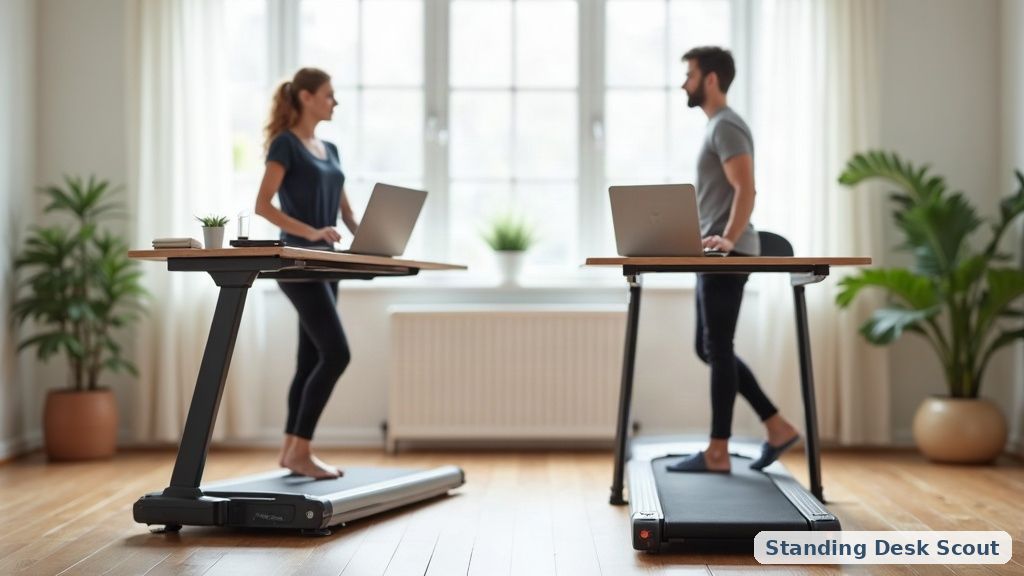
Rolling standing desk (Hadulcet): a smaller footprint standing surface on wheels, meant to move between rooms or slide next to a chair for sit/stand hybrid use. NOT a replacement for a full desk — different use case entirely.
Dual-motor vs. single-motor — real usage difference
The Fromann pick specifically lists dual motor. This matters more than most first-time buyers weigh it.
Single-motor desks use one motor with a spindle running across both legs. The mechanism is simpler and cheaper, but has real limitations:
- Lower weight capacity — typically 150-200 lbs across the entire desk surface
- Slower travel speed — 1-1.2 inches per second
- Less even lift — cross-shaft synchronization can develop play over years, causing one leg to lag
- Louder — one motor doing all the work runs at higher RPM
Dual-motor desks have one motor per leg, synchronized electronically:
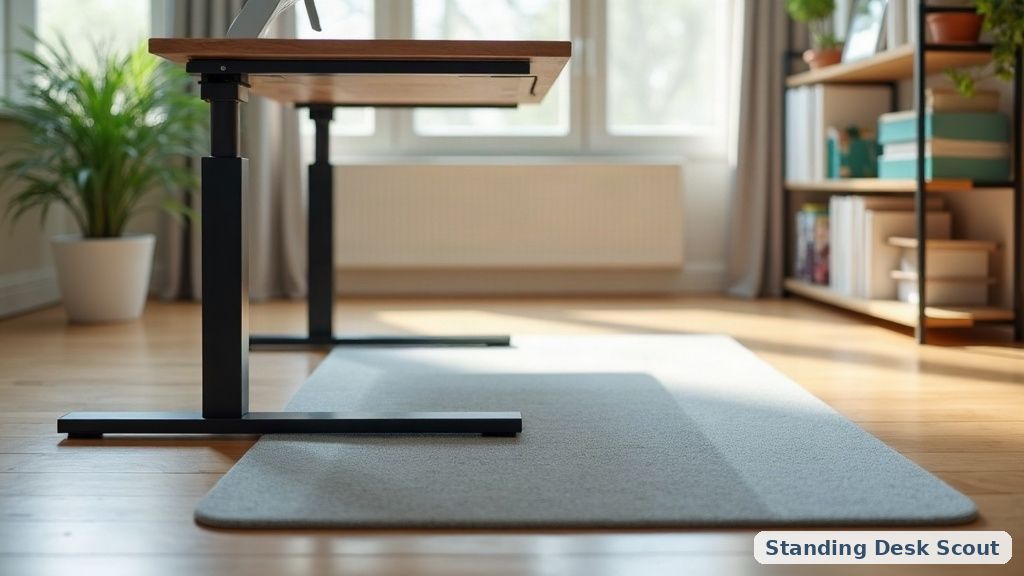
- Higher weight capacity — typically 275-350 lbs across the surface
- Faster travel — 1.5 inches per second average
- More even lift — each motor drives its own leg independently
- Quieter — load split across two motors, each running at lower RPM
For a bare setup (laptop, single monitor), single-motor is fine. For a loaded desk (dual/triple monitors, docking station, plants, books, heavier peripherals totaling 100+ lbs), dual-motor is worth the price difference — both for capacity and for longevity.
Top material — the specification most first-time buyers underweight
Complete desks (Monomi) ship with pre-selected tops, usually engineered wood or laminate. Frame-only buyers pick their own top. Real tradeoffs:
- MDF / laminate: cheapest, decent short-term, but edges can chip with wear. Water damage from spills penetrates fast if not sealed.
- Solid wood: butcher-block from home improvement stores runs $80-200 depending on size. Genuinely lasts decades if maintained (oiling annually). Heavy — check that your frame’s weight capacity handles it.
- Engineered wood veneer over particle board (mid-range option): looks like solid wood, weighs less, cheaper than solid. Modern versions are surprisingly durable.
- Bamboo: eco-conscious pick, lightweight, moderate durability. Watch for surface layer separation over time.
For a frame-only purchase, budget the top separately: expect $80-300 for a decent top depending on size and material.
Who should buy which — decision framework
Buy the Monomi complete desk if:
- This is your first standing desk purchase
- You don’t have a specific existing top you want to reuse
- You want a single purchase without sourcing a top separately
- You’re OK with the pre-set size and material choices
Buy the Fromann dual-motor frame if:
- You already have a desktop you like (existing desk, butcher block, custom top)
- You want to fit a specific size or aesthetic that pre-made complete desks don’t offer
- You have a loaded workstation (100+ lb total on the surface)
- Dual-motor durability matters — you plan to use this heavily for 5+ years
Buy the Hadulcet rolling desk if:
- You don’t have a dedicated office space
- You want to move the desk between rooms or fold it away
- You accept a smaller working surface in exchange for mobility
- This is a secondary desk, not your primary work surface
Memory presets — the feature that changes daily behavior
Both the Monomi and Fromann include programmable height presets (typically 4 slots: sit, stand, and 2 custom). This sounds like a nice-to-have, but it’s actually the difference between a standing desk you use daily vs. one that becomes furniture.
Without presets, changing between sit and stand requires holding a button for 5-10 seconds while the desk moves. With presets, one button press does it. The 8-second vs 1-second difference sounds trivial but changes user behavior: with presets, people change position 4-8 times per workday. Without presets, they change once or twice, defeating most of the health benefit.
If you’re evaluating any standing desk under $400, verify memory presets are included and functional. Some budget desks list “3-position” or “programmable” but the mechanism is unreliable or requires firmware updates.
Common first-year mistakes with electric standing desks
-
Overloading beyond rated weight capacity — desks stress-tested at 200 lbs total will operate at 250 lbs, but motor wear accelerates rapidly. Check spec sheet vs. your realistic loadout (monitors + docking station + laptop + peripherals + books + plants).
-
Ignoring cable management — standing desks change height often. Cables that were fine when the desk was fixed will pull, tangle, or unplug. Under-desk cable trays and a cable-management sleeve on the standing leg are worth the $40-60 investment before the first frustrating unplug.
-
Placing the desk against a wall without clearance — desks bow slightly as they rise (leg extension isn’t perfectly vertical). A desk butted flush against a wall can scrape paint or catch on trim as it moves. Leave 1-2 inches of clearance.
-
Not testing collision detection — most electric desks have collision sensors that stop the motor if the desk hits an obstruction on its way up. Test yours by holding a book on the desk near a wall shelf, then raising the desk — it should stop, not keep pushing. Discovering a broken collision sensor when your monitor gets crushed against a wall shelf is a $500 lesson.
-
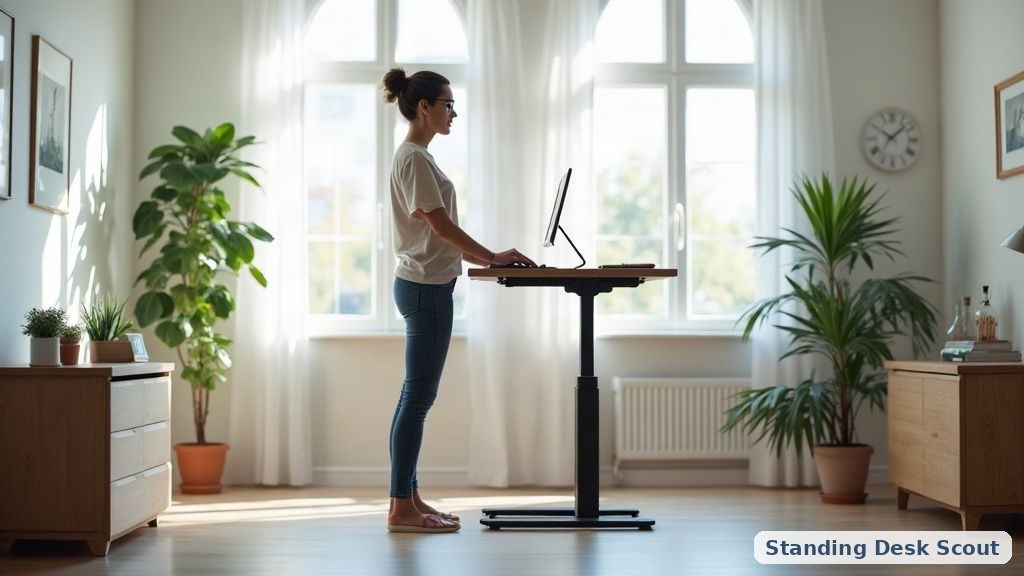
Standing all day, not alternating — the point of a standing desk is ALTERNATION, not standing all day. Standing 8 hours straight causes as many circulation issues as sitting 8 hours straight. Rule: 30-60 min sitting, 15-30 min standing, alternate. Set a timer if you can’t remember.
Comparison
| Model | Type | Motor | Best for |
|---|---|---|---|
| Monomi 63”x28” | Complete desk | Single (typical for complete) | First-time buyers, simplest setup |
| Fromann Frame Only | Frame only | Dual motor | Custom top, loaded workstation |
| Hadulcet Rolling | Rolling/portable | Small motor | Mobility, no dedicated office |
📚 Related In-Depth Analysis
- Compare findings with our guide on Anti Fatigue Mat For Standing Desk.
- Compare findings with our guide on Standing Desk Cable Management.
📚 Related In-Depth Analysis
- Compare findings with our guide on Best Small Standing Desk.
- Compare findings with our guide on Standing Desk Height Guide.
🔧 Interactive Planning Tool
Need exact measurements for your setup? Use our Ergonomic Desk & Monitor Sizing Engine to Calculate standing and sitting desk height ranges based on your exact body stature.
Related guides
- Standing desk converter vs full standing desk comparison