Standing Desk Height Guide (2026): The Right Height for Your Body, Not a Number
As an Amazon Associate I earn from qualifying purchases. Prices and availability are accurate as of the date/time indicated and are subject to change.
🔍 How this guide was put together (Editorial Standards)
This guide compares options using published manufacturer specifications, patterns in publicly visible owner reviews, and reputable expert sources. We do not operate a physical testing lab; see our how-we-research page for details.
EDITOR'S PICKS
Top Picks

A standing desk only helps if it’s set to your body. Get the height wrong and it recreates the exact problems it was meant to solve — shoulder tension, sore wrists, a craned neck. The good news: there’s no need to memorize a chart. Two body landmarks — your elbows and your eyes — tell you everything, and once you know them you can dial in both your sitting and standing heights in under a minute. Ergonomics bodies like the Canadian Centre for Occupational Health and Safety frame it the same way: fit the desk to the worker, not the worker to the desk.
The only rule you need: elbows at ~90°
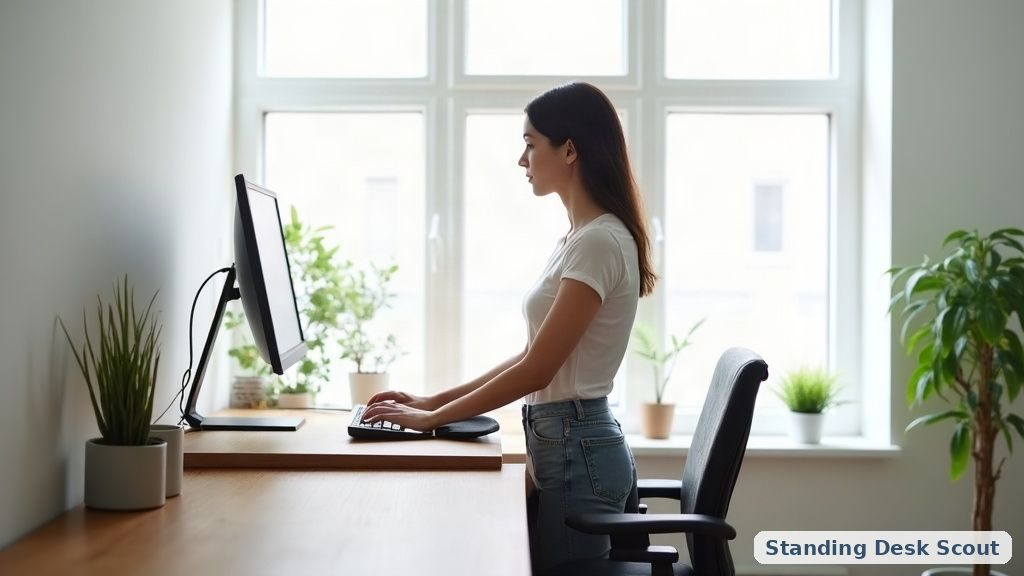
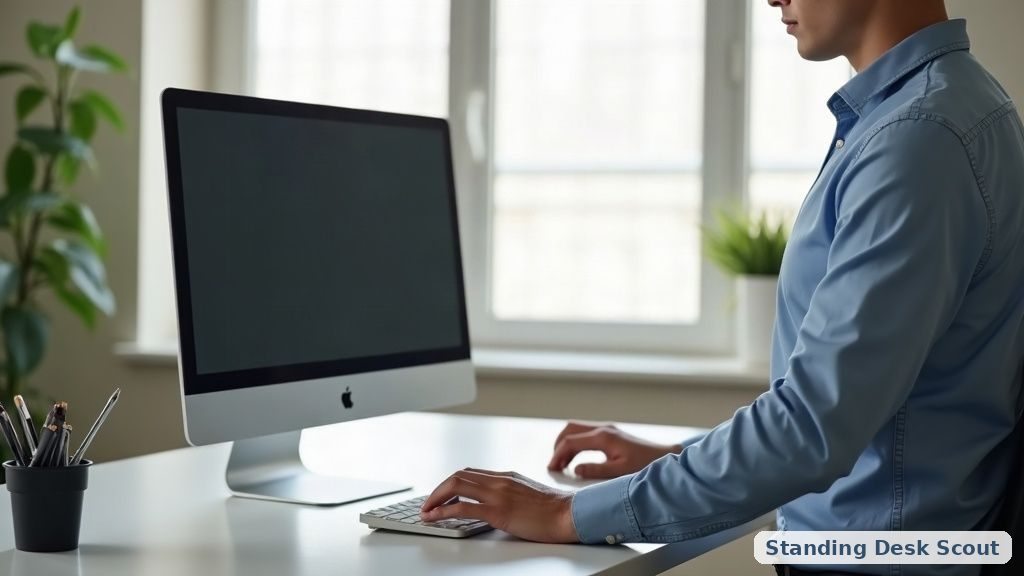
Whether sitting or standing, set the desk so your forearms are roughly parallel to the floor and your elbows bend at about 90° when your hands rest on the keyboard. Shoulders relaxed, not hunched or reaching. That single check gets height right for most people without any measuring.
Then fix your screen: the top of your monitor at or just below eye level, about an arm’s length away, so your neck stays neutral. A desk at the right height with a screen too low just moves the strain from your wrists to your neck.
Rough starting heights (then adjust to your elbows)
Use these as a starting point, then trust the elbow test:
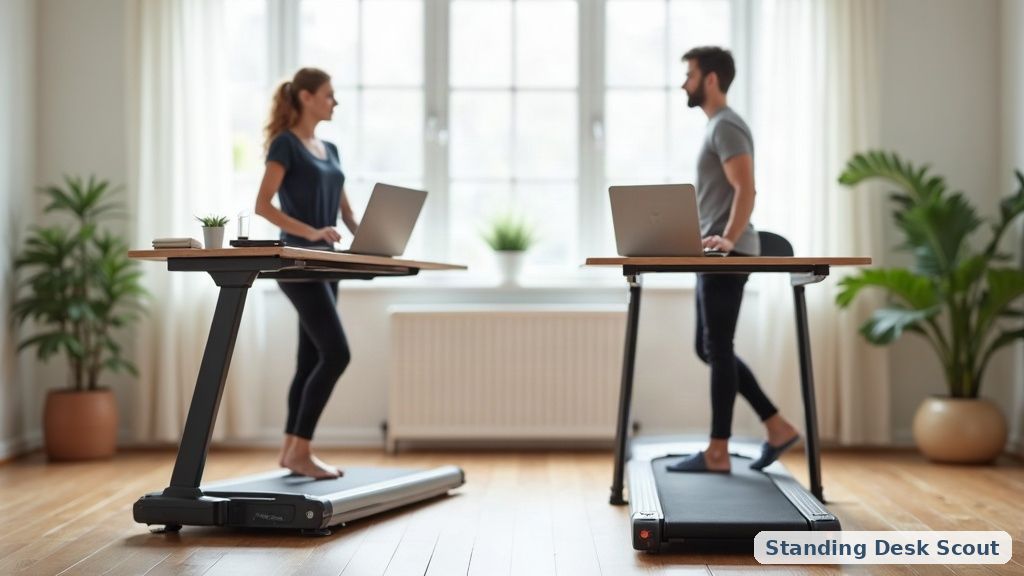
- Standing desk height is typically around elbow height while standing — for many adults that’s roughly 38–46 inches depending on stature. Taller users need more range, which is where a wide-range electric desk earns its keep.
- Sitting desk height is usually around 28–30 inches, again adjusted so elbows land at 90° with feet flat and thighs parallel to the floor.
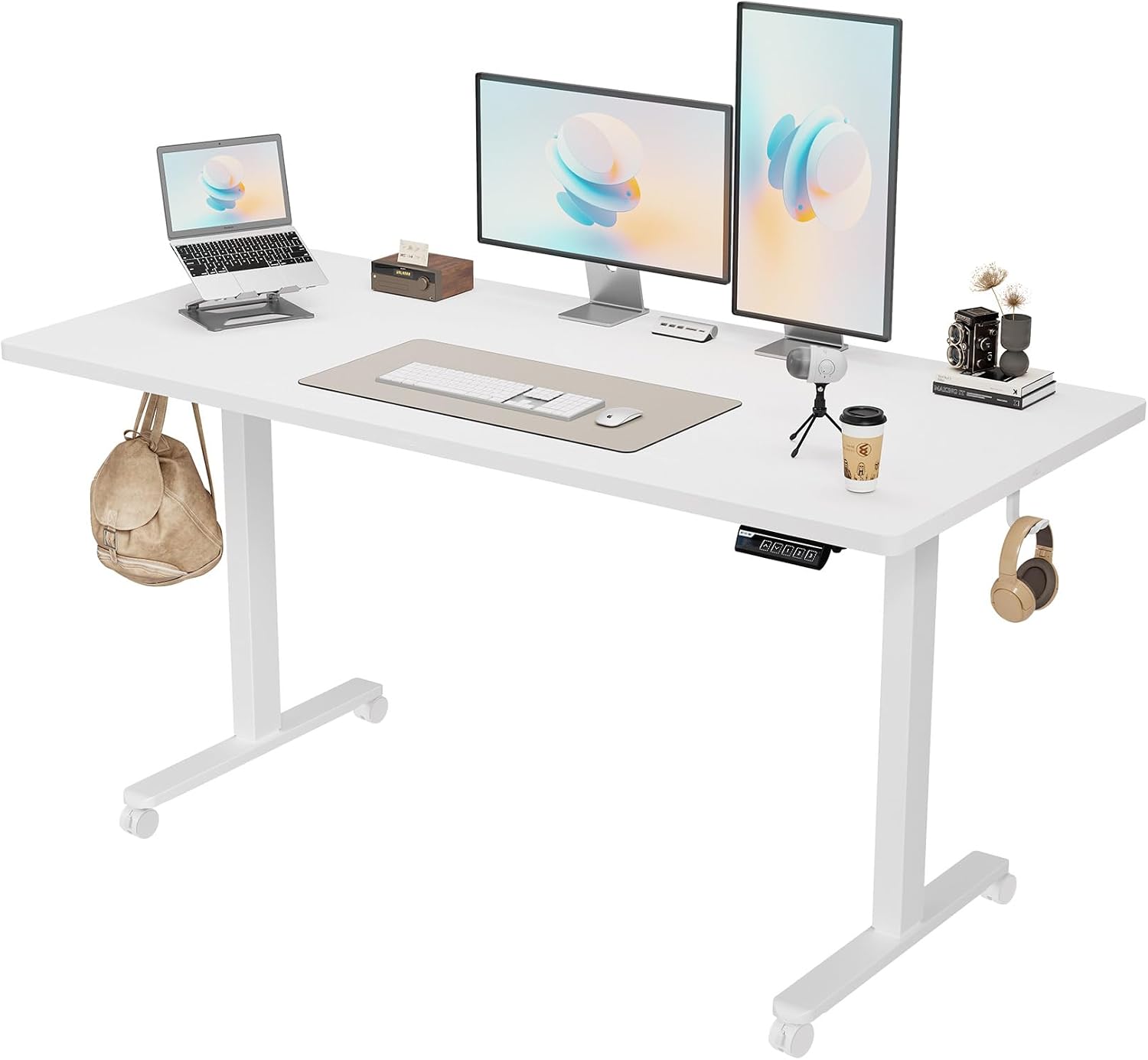
Because those numbers span a wide range, the practical answer is a desk with enough travel and memory presets to save your exact sit and stand positions — like the Monomi electric desk — or, if you’re keeping your current desk, a converter such as the VIVO that adds standing range on top. Our electric standing desk guide and converter vs full desk comparison cover which fits you.
How high should a standing desk be for my height?
Set it to your standing elbow height — forearms parallel to the floor, shoulders relaxed. That’s more reliable than any chart because it accounts for your torso and arm length, not just your total height. Taller people should specifically check a desk’s maximum height before buying; many budget desks top out too low for users over ~6’2”.
Should my sitting and standing heights be different?
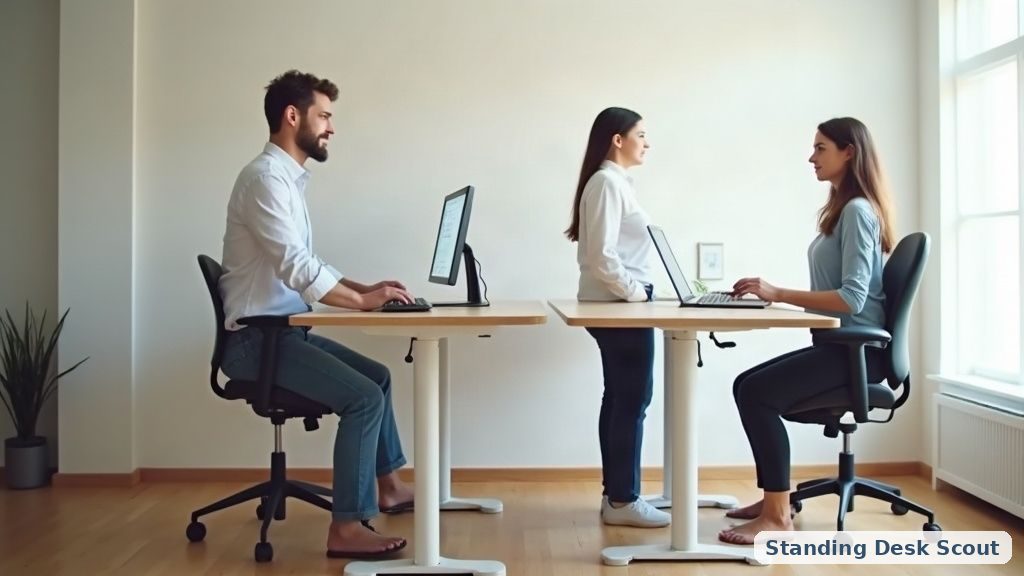
Yes — quite different. That’s the whole point of an adjustable desk: your sitting height (~28–30”) and standing height (elbow height standing) are far apart, so memory presets that jump between them in one press are the feature that makes you actually alternate instead of leaving it in one position.
Where should my monitor be?
Top of the screen at or just below eye level, about an arm’s length away, tilted slightly up. This keeps your neck neutral at both sitting and standing heights. If one desk height makes the screen wrong, a monitor arm or riser fixes it independently of the desk.
📚 Related In-Depth Analysis
- Compare findings with our guide on Dual Motor Vs Single Motor Standing Desk.
- Compare findings with our guide on Under Desk Cable Management Tray.
📚 Related In-Depth Analysis
- Compare findings with our guide on How To Transition To A Standing Desk.
- Compare findings with our guide on Standing Desk Weight Capacity Guide.
🔧 Interactive Planning Tool
Need exact measurements for your setup? Use our Ergonomic Desk & Monitor Sizing Engine to Calculate standing and sitting desk height ranges based on your exact body stature.
The 30-second setup
Stand at the desk, rest your hands on the keyboard, and raise or lower until your elbows sit at 90° with relaxed shoulders. Save it as your standing preset. Sit down and repeat for your sitting preset. Set your monitor to eye level. That’s it — the “right height” isn’t a number you look up, it’s the position your own elbows and eyes point to. Once it’s dialed in, the rest is just remembering to alternate: see how long you should stand.
Related: Desk stretches and micro-exercises