Standing Desk Accessories You Actually Need (& Ones to Skip) (2026)
As an Amazon Associate I earn from qualifying purchases. Prices and availability are accurate as of the date/time indicated and are subject to change.
🔍 How this guide was put together (Editorial Standards)
This guide compares options using published manufacturer specifications, patterns in publicly visible owner reviews, and reputable expert sources. We do not operate a physical testing lab; see our how-we-research page for details.
EDITOR'S PICKS
Top Picks
TOP PICK

RUNNER-UP

📑 Table of contents
A standing desk is only half the setup. The frame lifts your work to standing height, but whether standing actually feels good — hour after hour — comes down to the accessories around it. The problem is that the accessory aisle is stuffed with gadgets that look useful and do almost nothing. After testing setups on stability, warranty and real ergonomics, here’s the honest split: what earns its place, and what you can skip.
The accessories worth buying
1. An anti-fatigue mat (buy this first)
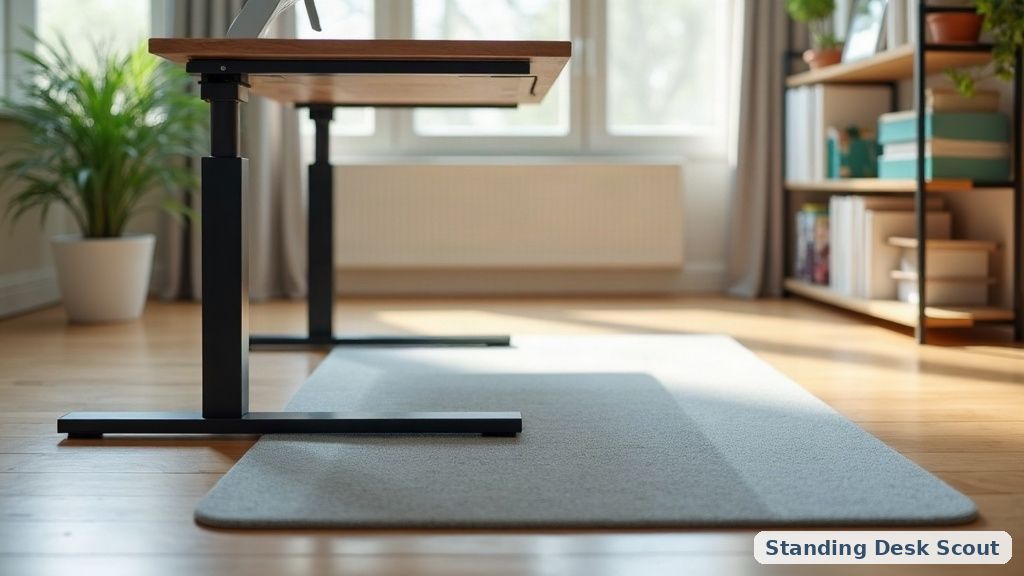
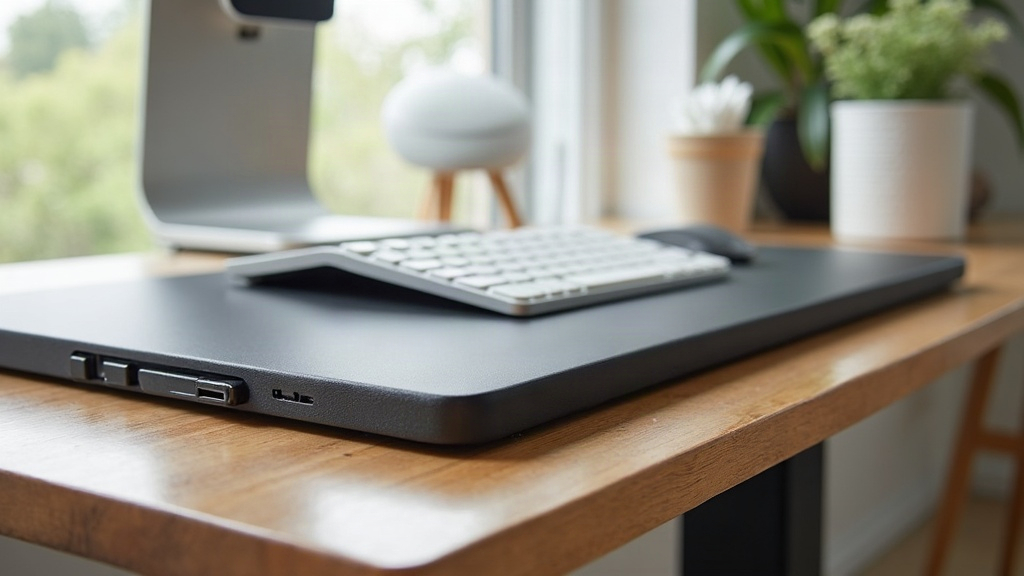
If you buy one accessory, make it a cushioned anti-fatigue mat. Standing on a hard floor for a few hours quietly punishes your feet, knees and lower back, and it’s the number-one reason people abandon standing after the first week. A good mat encourages tiny postural shifts that keep blood moving and take the pressure off your joints.
Look for something 3/4” thick with a beveled edge (so you don’t trip) and a polyurethane core that won’t flatten in a month. Skip the thin foam kitchen mats — they compress and stop helping fast.

- A monitor arm
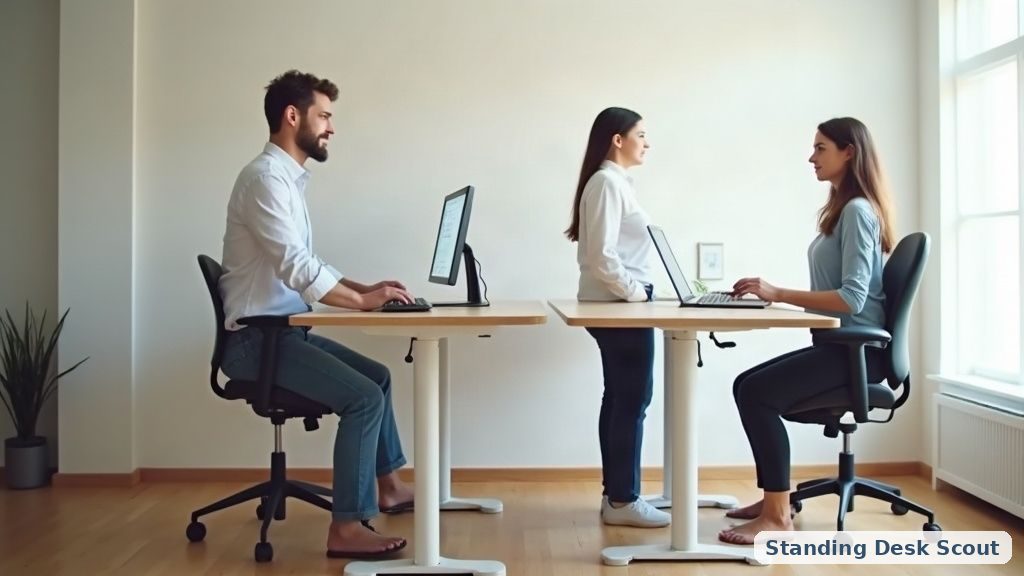
This is the accessory that surprises people most. A monitor arm frees up desk space, but more importantly it lets you set screen height independently of desk height. When you switch between sitting and standing, your eye level changes — an arm lets your monitor follow you so the top of the screen stays at eye level in both positions. That’s the single biggest fix for the neck strain people blame on standing.
If you’re still dialing in your desk position, our standing desk height guide pairs perfectly with an arm: get the desk to elbow height, then set the monitor to eye height.
- A cable management tray
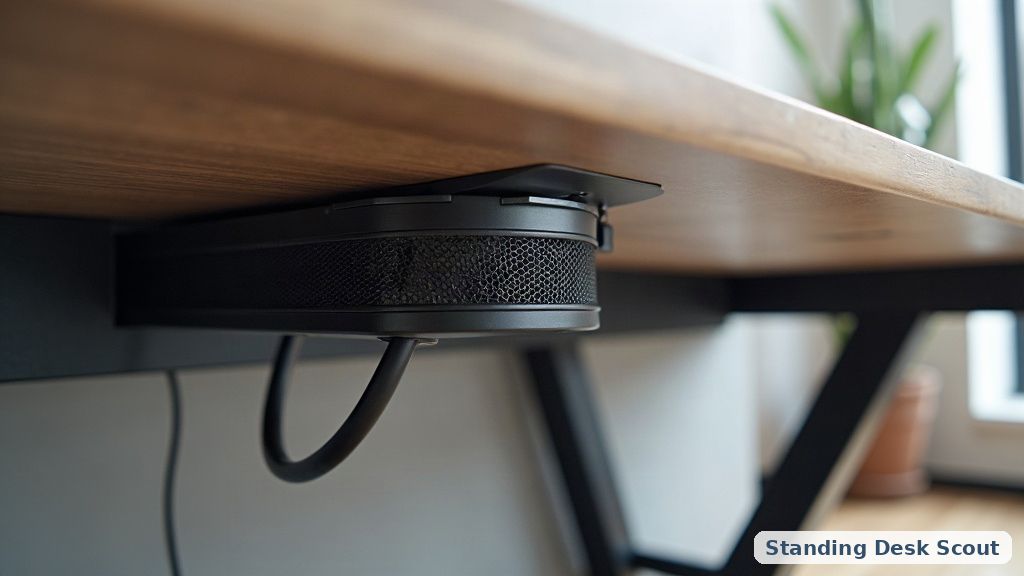
Every time your desk rises and falls, the cables get tugged. Without management, that means a snake pit under the desk, cords catching on the frame, and — worst case — a plug yanked mid-lift. A simple under-desk tray plus a couple of adhesive clips keeps everything traveling with the desk instead of fighting it. It’s cheap, it’s boring, and it prevents the most annoying standing-desk failures.
- A keyboard tray (situational, but great)
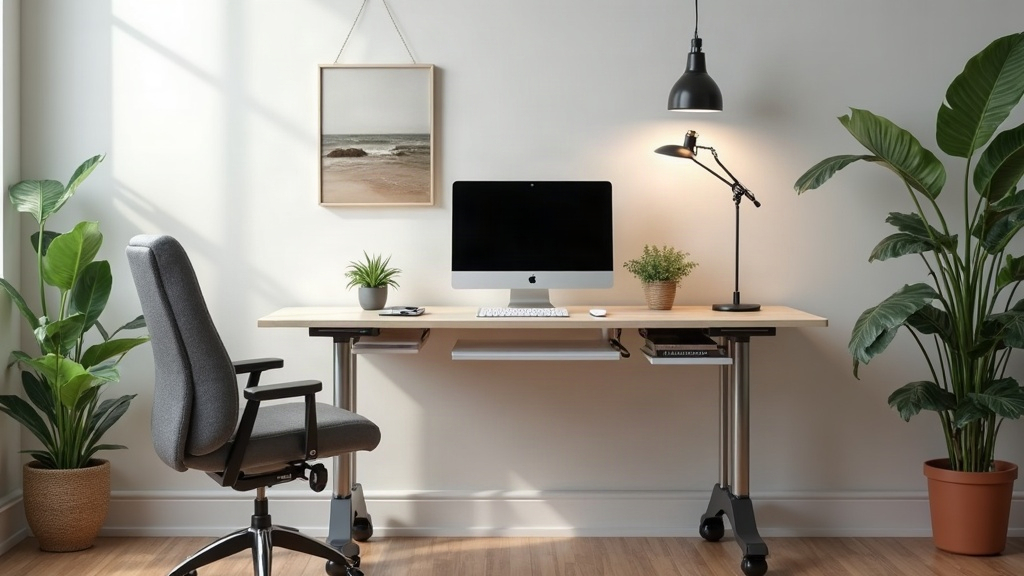
If your desk’s minimum height is still a touch too high for comfortable sitting — common on budget frames — an under-desk keyboard tray drops your hands to the right level and keeps wrists neutral. It’s also a lifesaver on converters, where the keyboard deck sometimes sits higher than ideal. If you’re weighing a converter against a full desk, our converter vs. full desk breakdown covers where each wins.
5. A programmable memory controller (if your desk supports it)
Not strictly an accessory — it’s often a paid upgrade on the frame — but presets that remember your exact sitting and standing heights remove the friction that stops people from switching positions. The easier it is to move, the more you’ll actually alternate. Motor quality matters here too; see our take on dual-motor vs single-motor frames if you’re still choosing a base.
The accessories you can skip
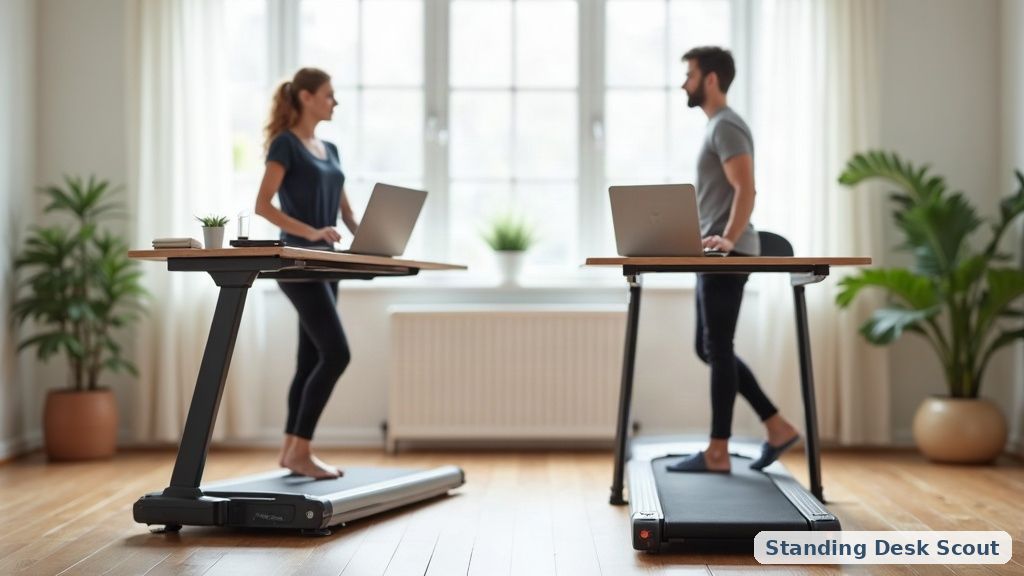
Under-desk treadmills (for most people). They’re not useless, but they’re expensive, loud enough to derail calls, and most buyers walk on them for two weeks and then use them as a very costly footrest. Try alternating sitting and standing first — if you still want more movement, then consider one.
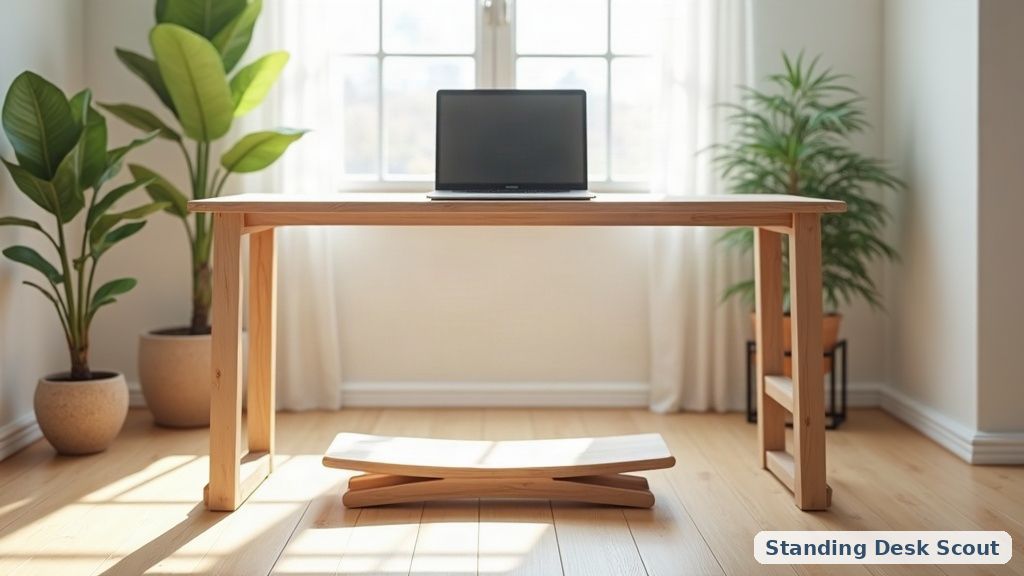
Balance boards. They feel novel for a day. In practice they demand enough attention that your typing accuracy drops, and the “core workout” claims are wildly overstated. A good mat gives you the subtle movement benefit without the wobble tax.
Desk bikes and pedal exercisers. Same story as treadmills, with the added problem that they rarely fit under a desk set to standing height. Niche use at best.
Clip-on “posture correctors” and gadget lights. Ergonomics come from desk height, screen height and a decent chair for your sitting stretches — not from a buzzing wearable. Spend the money on the mat and arm instead.
Overpriced “ergonomic” desk pads. A large mouse pad is fine. You do not need a $60 vegan-leather desk blotter to sit or stand comfortably.
How to prioritize on a budget
If you’re building up over time, buy in this order: mat → monitor arm → cable tray → keyboard tray (if needed). That sequence fixes comfort first, then posture, then the daily annoyances. The frame you stand at matters most of all — a wobbly desk ruins every accessory bolted to it — so if you’re still shopping, start with a stable base and add these on top.
📚 Related In-Depth Analysis
- Compare findings with our guide on Dual Motor Vs Single Motor Standing Desk.
- Compare findings with our guide on Balance Board Standing Desk.
📚 Related In-Depth Analysis
- Compare findings with our guide on Standing Desk Weight Capacity Guide.
- Compare findings with our guide on How To Transition To A Standing Desk.
🔧 Interactive Planning Tool
Need exact measurements for your setup? Use our Ergonomic Desk & Monitor Sizing Engine to Calculate standing and sitting desk height ranges based on your exact body stature.
The bottom line
The accessories that matter share a trait: they fix a real, physical problem — sore feet, a craned neck, tangled cables, high wrists. The ones to skip promise a lifestyle (walk while you work! balance while you type!) that almost nobody sustains. Spend on comfort and posture, skip the theater, and your standing desk will finally feel like the upgrade it was supposed to be.
As an Amazon Associate I earn from qualifying purchases. Prices and availability are accurate as of the date/time indicated and are subject to change.